
A club is a subscription where you, not the customer, decide what ships. Membership comes from the club plan; the customer pays for the products you put in that edition's box. Every member is billed on the same date, however long ago they joined. You set how often an edition comes round, from every month to every 12 months.
Clubs is not available on every store yet. If Clubs is not in the app navigation, ask us in the chat.
Step 1: Create the club
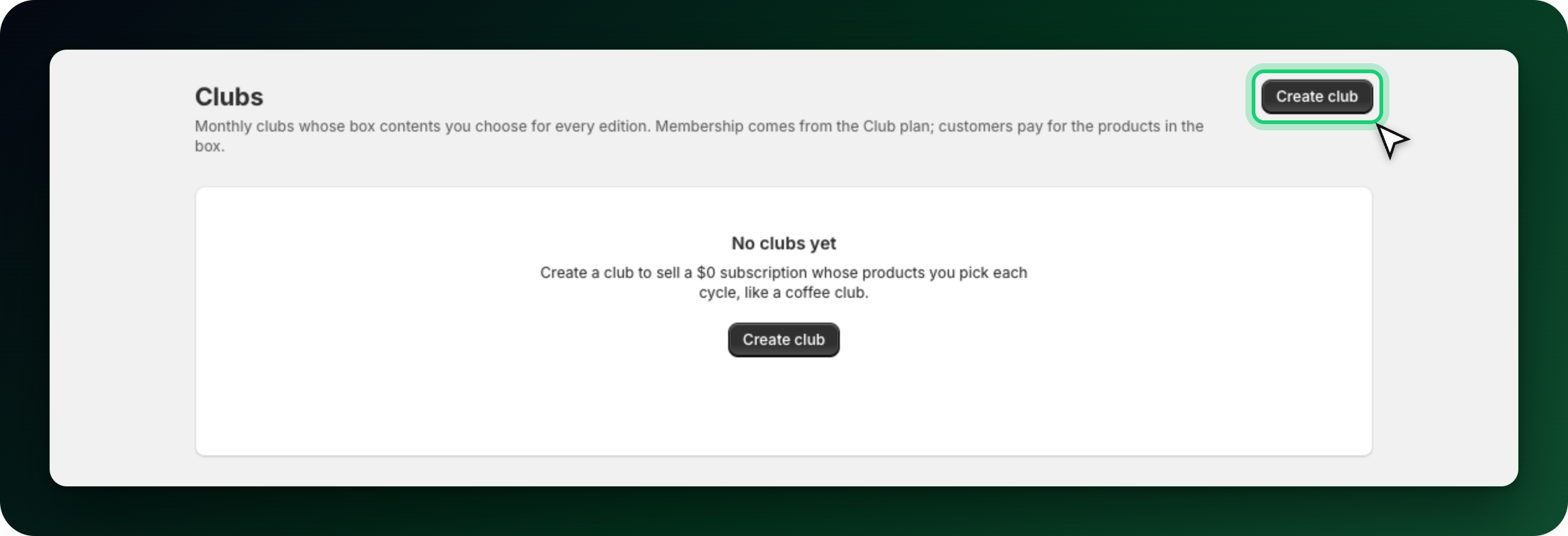
Go to Clubs → Create club.
Fill in:
Club name: also the title of the product customers subscribe to.
Member tag: a Shopify label added after signup. It is a convenience, not the thing that decides membership.
Membership price: the recurring base price. Keep it at 0.00 for a free-to-join club where members pay only for the box.
Billing frequency: every month up to every 12 months.
First edition date: tomorrow or later, on a day of month from 1 to 28.
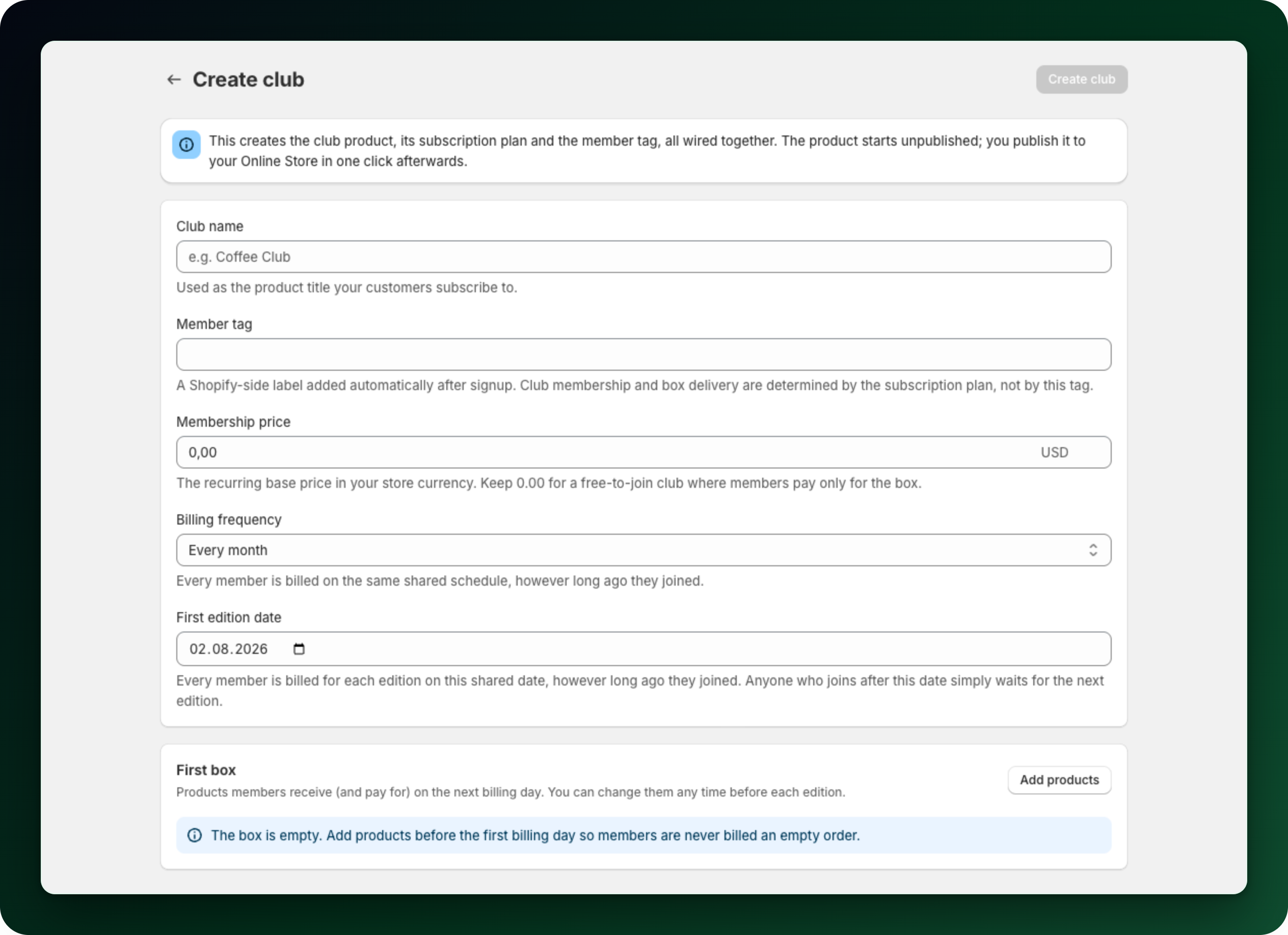
Add the First box products with Add products. Once the box holds something, the summary shows Current box subtotal, Membership base price and Estimated charge per member, before discounts, tax and shipping.
Click Create club. This creates the club product, its subscription plan and the member tag, wired together. The product starts unpublished.
Step 2: Publish it for signups
The club page shows a banner until the product is visible. Use Open product in Shopify admin and publish it to your Online Store. Until then nobody can join, though existing members are served.
Step 3: Fill each edition
The Editions card holds the active edition and the upcoming drafts, which are prepared for you ahead of time. Open a draft, add products, click Save edition box. You can move a future edition to another date. The active edition's date is locked, and a billed edition can no longer be edited.
An edition saves while it is still empty, and the app tells you it is. Fill it before the billing day so members are never billed an empty order. Once the box holds products, at least one of them must have a price above zero. A box holds at most 50 product variants.
Step 4: Tell members what is coming
Use Announce to members on an edition to email and notify active members. Turn on Auto-announce editions in Settings to do it automatically, and set Days before billing to auto-announce between 1 and 30. If you change the box after announcing, the edition is flagged so you can send an update.
What else to know
Active members are counted from live subscription contracts, not from the tag.
Turn off club hides the product and stops new signups. Existing subscriptions stay active but stop receiving boxes. Retry activation turns it back on.
Clubs cannot be paused or deleted.
Club membership and box lines cannot be swapped, and club subscriptions cannot receive a retention discount. In the cancellation flow only Skip next delivery works on a club.
Stuck on any of this? Open the chat in the bottom right corner of the app and we will help you set it up.