
Progus Subscriptions runs on permissions you granted Shopify at install. When a release needs a permission you have not granted yet, Shopify asks you to approve the new list the next time you open the app. Approving it is all that is needed, nothing in your setup changes.
Step 1: If a permission screen appears while changing plan
Charges are approved by you, not by us. Clicking a plan on Pricing can open a Shopify authorization page in the same tab. Approve it and Shopify sends you straight back into the app with the new plan active. Closing that page instead leaves the plan unchanged.
Step 2: Check your connected accounts separately
Mollie and Klaviyo have their own permissions, granted in their systems and revocable there. Open Settings → Integrations and click Configure on the Mollie card or Open on the Klaviyo card. A connection showing Needs reconnect on that page has lost its authorization and is not working until you reconnect it.
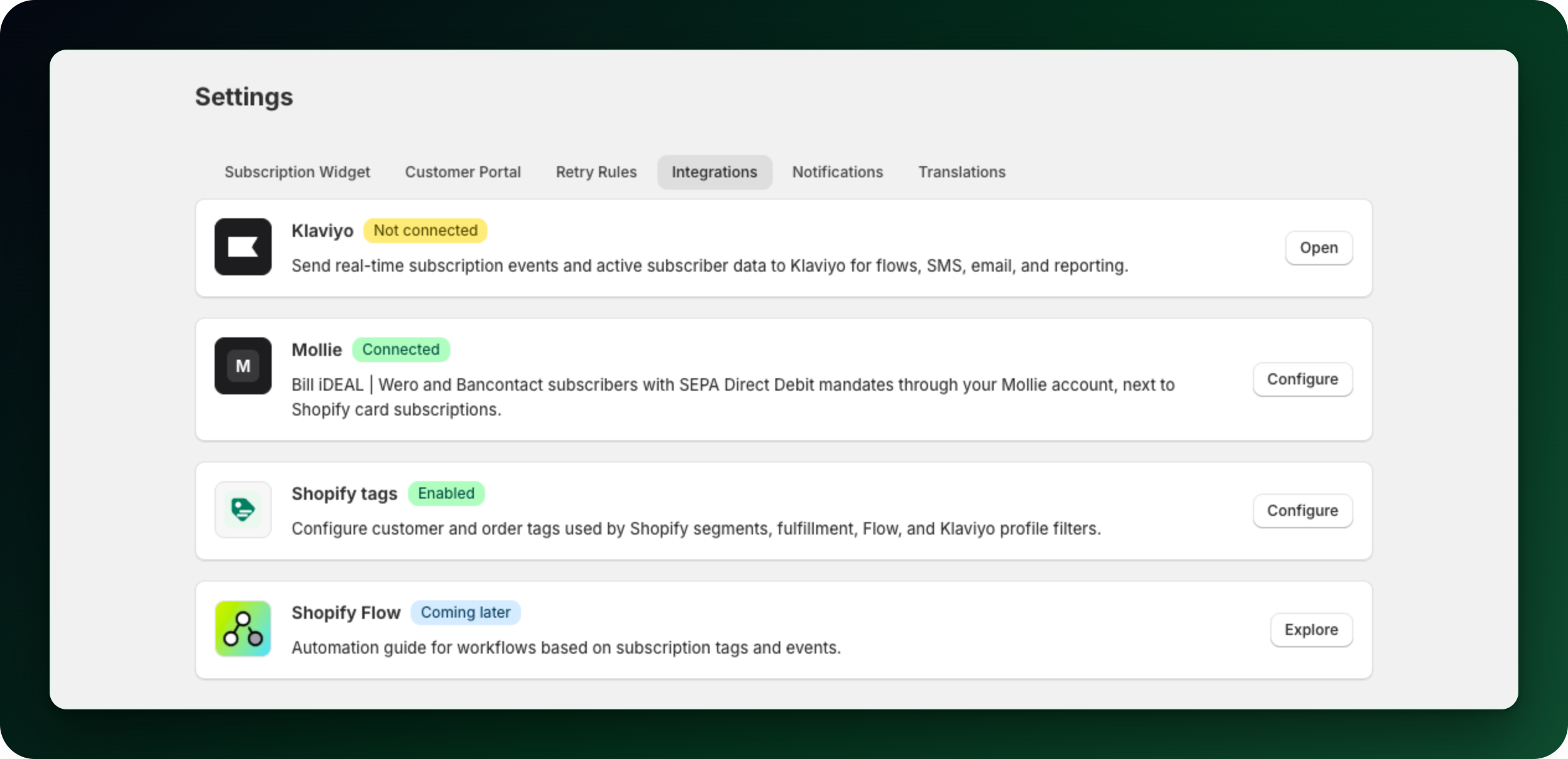
On the Mollie page, click Connect with Mollie and approve the request Mollie shows you. Reconnecting only restores access; existing subscriptions are untouched.
Step 3: Do not confuse permissions with activations
The subscription widget and the customer account blocks are not permissions. They are blocks you add in the theme editor and in the customer account editor, and the Setup guide on Home tracks them for you. If a widget is missing, the fix is in the editor, not in a permission screen.
What to do next
Open Home after approving anything: the Setup guide shows what is still not active.
Selling with Mollie? Check the connection status after any change to your Mollie account, so renewals keep running.
Stuck on any of this? Open the chat in the bottom right corner of the app and we will help you set it up.