
By default a product in a subscription plan can still be bought once, and the customer chooses on the product page. For a coffee club or a refill programme you may want the subscription to be the only way to buy it.
Step 1: Select the products
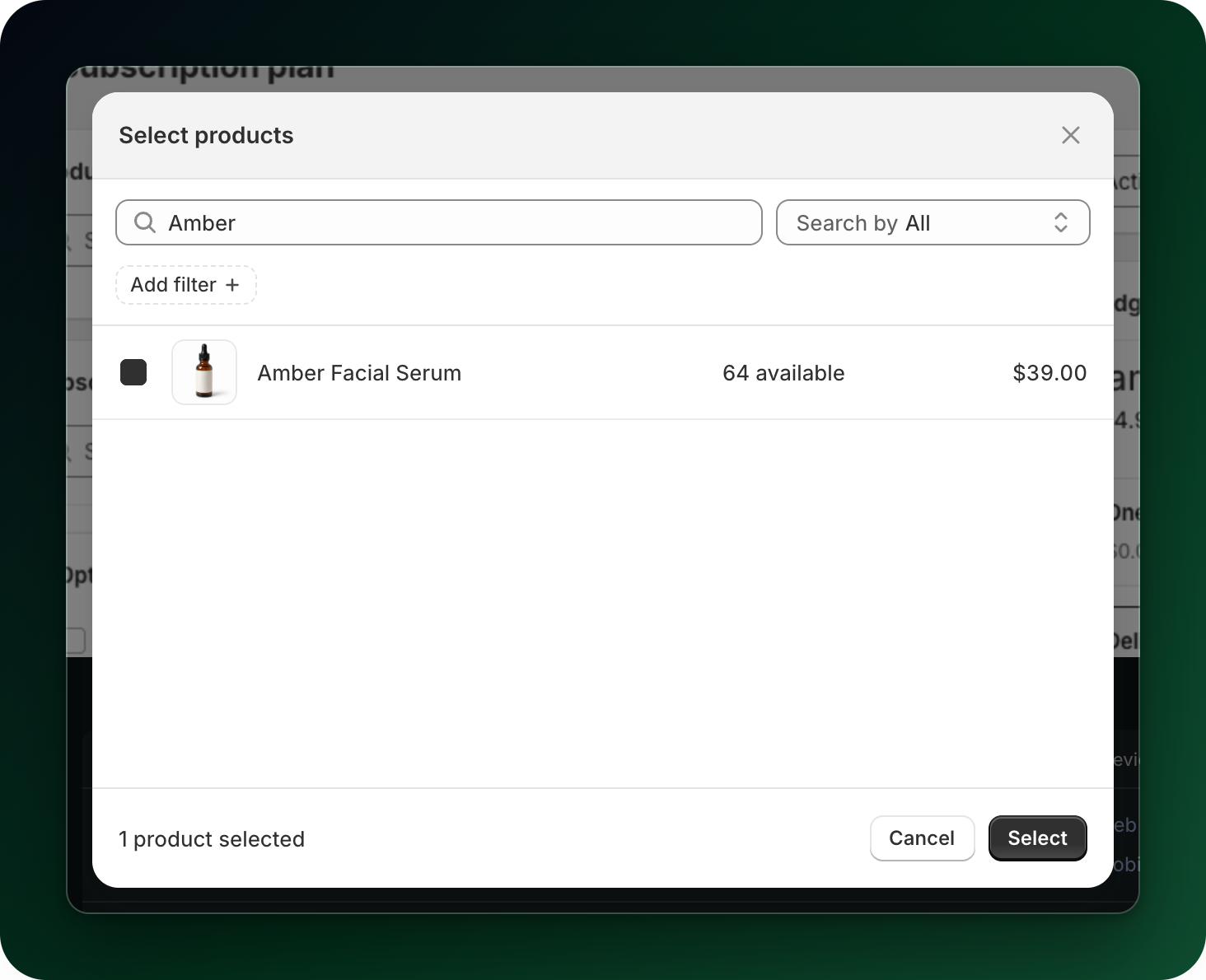
Open the plan and add the products in the Products card. The checkbox in this article only appears once at least one product is selected.
Step 2: Tick the checkbox
Under the product list, tick Only sell selected products as subscriptions. Its help text spells out the consequence: "Hides one-time purchase for these products." The widget preview on the right of the plan builder drops the one-time tile the moment you tick the box.
So this is not a plan setting that you can flip per plan. It is a setting on the products themselves, and it follows them everywhere they are sold.
Step 3: Save
Click Save. The one-time purchase option disappears from those products on the storefront.
Two things to watch
Variants. If your plan only covers some variants of a product, the app still warns you: "This applies to the whole product, including the variants you did not select here." There is no way to make one variant subscription-only and leave the others as one-off purchases.
Mixed selections. If some of the selected products are already subscription-only and some are not, the checkbox shows as indeterminate and the app says "Some of these products are subscription only and some are not. Select or clear the checkbox to make them match." Clicking it once applies the same value to all of them.
To sell the product one-off again, untick the box and save. The one-time purchase option comes back on the product page.
What to do next
Open the product page in your store and confirm the one-time option is gone.
Give the plan more than one delivery frequency, so a customer who can only subscribe still has a choice.
Stuck on any of this? Open the chat in the bottom right corner of the app and we will help you set it up.