
Both of these live in the Upcoming orders card on the subscription page. Rescheduling moves an order earlier; processing the payment charges it right now and creates the order.
Step 1: Reschedule an upcoming order
Open the actions menu next to a date and choose Reschedule. The Reschedule upcoming order dialog shows a Billing date field and a calendar. Pick a day and click Save. The app confirms with Order rescheduled.
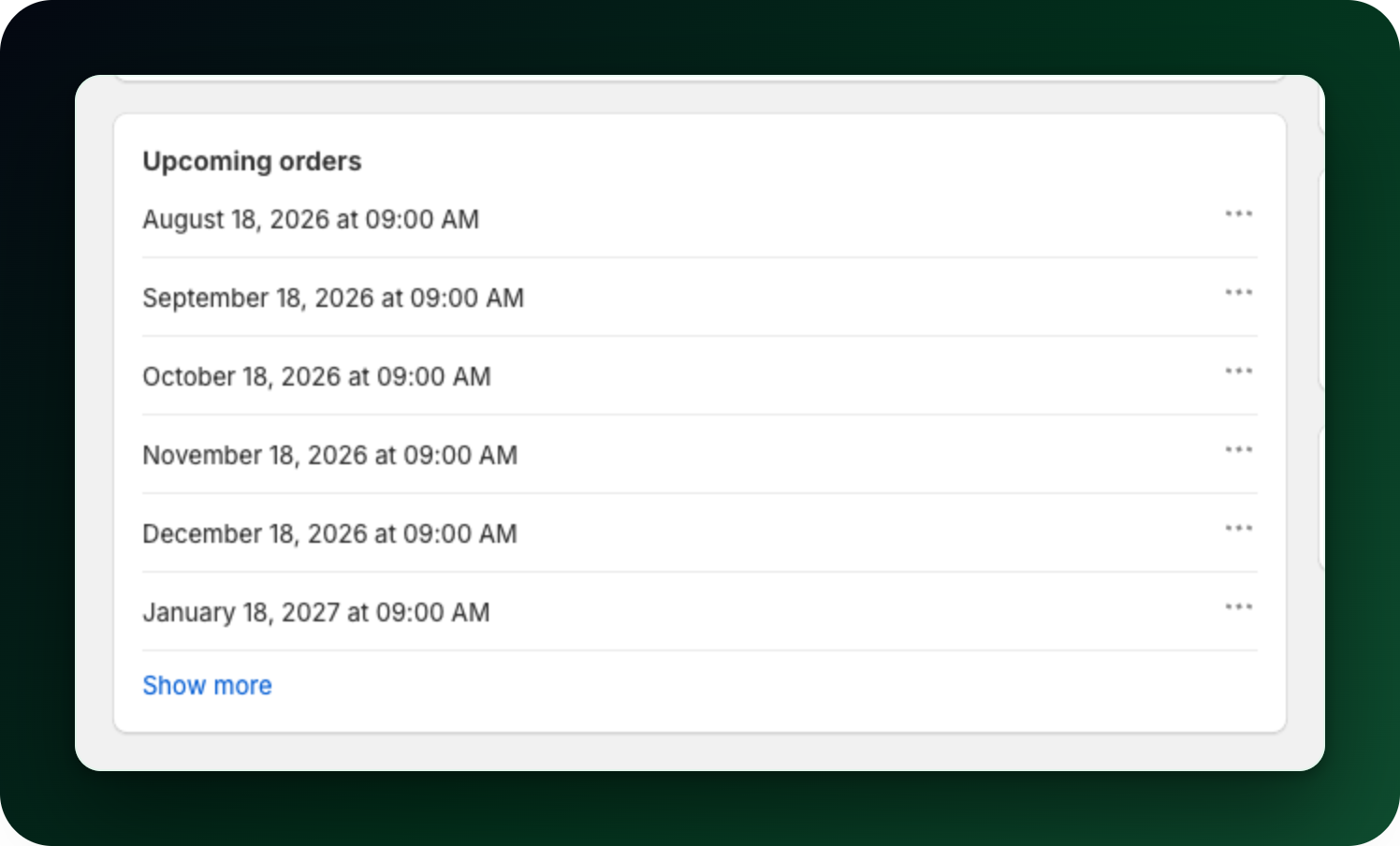
The Upcoming orders card lists the next billing dates, one per row, each with its own "..." menu.
Step 2: Know the limits of the calendar
You can bring an order forward, and often push it later too: the latest selectable day is the end of its billing window, not always the day it is currently scheduled for.
The earliest selectable day is tomorrow, and never on or before the previous order in the schedule, so orders cannot cross each other.
Skipped orders and paused subscriptions have no reschedule action.
A subscription that belongs to a Club cannot be rescheduled or charged by hand. The club bills everyone on one shared schedule.
Step 3: Charge the next order now
On the first order in the list, the actions menu also offers Process payment. The dialog names the date you are pulling forward and warns that the customer will be charged. Click Process now. Nothing is confirmed at that moment: the app sends the charge and waits for the result. If it goes through you get The charge starts in a few minutes. If it does not, you get an error instead: the payment failed, the payment provider is not enabled, or there was not enough inventory.
Step 4: Retry a renewal that failed on stock
A Charge now action appears in the page actions at the top right, but only after a renewal failed on inventory. A declined card never puts it there, so retry that one with Process payment above. Shopify allows the charge only when the billing cycle date is within the next 24 hours or already due, so reschedule the next order sooner first if it refuses.
Step 5: Mollie subscriptions
A Mollie subscription is charged by direct debit on its own schedule, and its own page carries the date controls rather than the cards above. Reschedule moves the next charge to a day from tomorrow through the current next charge date on an active subscription; the day is snapped to the hour your shop bills at. Skip order pushes it one interval further out instead. There is no charge-now button here: SEPA money takes days to settle, so pulling a charge forward by hand would confirm nothing at the moment you pressed it.
What to do next
Skip an upcoming order when the customer wants it later, not sooner.
Read how subscription billing works, including what happens when a payment fails.
Stuck on any of this? Open the chat in the bottom right corner of the app and we will help you set it up.