
A customer moved house, or their card expired. Both are fixed from the right-hand column of the subscription page, and both have the same rule: the app picks from what is already saved on the customer, it never asks you to type card or address details.
Step 1: Change the shipping address
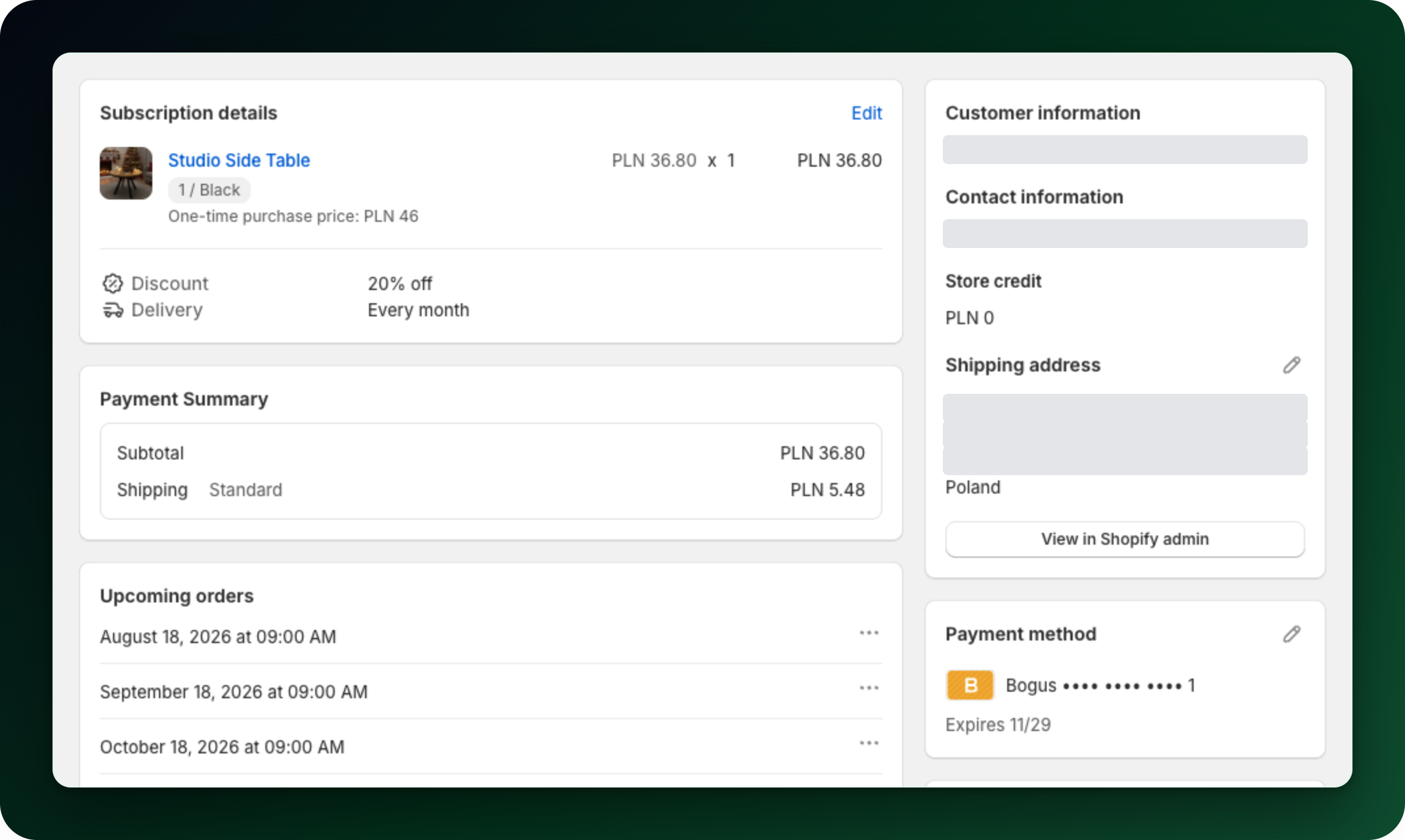
In the Customer information card, click the pencil next to Shipping address and choose Select a different address. Pick one of the customer addresses and click Update. You get Address updated and the new address applies from the next order.
The Customer information card sits in the right-hand column of the subscription page, with the shipping address and a pencil beside it.
Step 2: When the address you want is not listed
The dialog only lists addresses already saved on the customer, so Select a different address is greyed out when they have none. Use Manage addresses on customer page to add it in the Shopify admin first, then come back. For local delivery an address needs a phone number, and addresses without one cannot be selected.
Step 3: Switch to another saved payment method
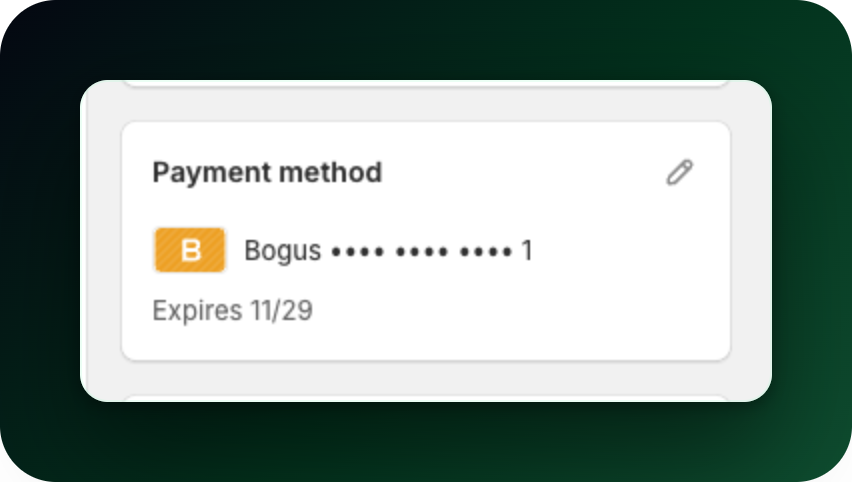
In the Payment method card, click the pencil and choose Select a different method. This option only appears when the customer has more than one saved method. Pick one and click Save to get Payment method updated.
The Payment method card shows the saved card and its expiry date, with the pencil in its top right.
Step 4: Ask the customer to update their card
Choose Send link to update card from the same menu. The dialog only opens when the customer has an email address on file. It shows exactly what will be sent: the From: address of your shop, the customer in To: and the Subject:. Click Send email and the app confirms with Email sent. Manage payment on customer page opens the same customer in the Shopify admin.
Step 5: Removed and Mollie payment methods
If the customer deleted their payment method, the card says so and gives the date, and the edit menu is not shown. They have to add a method again themselves.
A Mollie subscription is paid by SEPA direct debit, BLIK or a saved card, so none of these actions apply to it. If that stops working, its page explains what to do next.
What to do next
Change what is in a live subscription, in the same few clicks.
Read what happens when a payment fails, and which emails go out.
Stuck on any of this? Open the chat in the bottom right corner of the app and we will help you set it up.